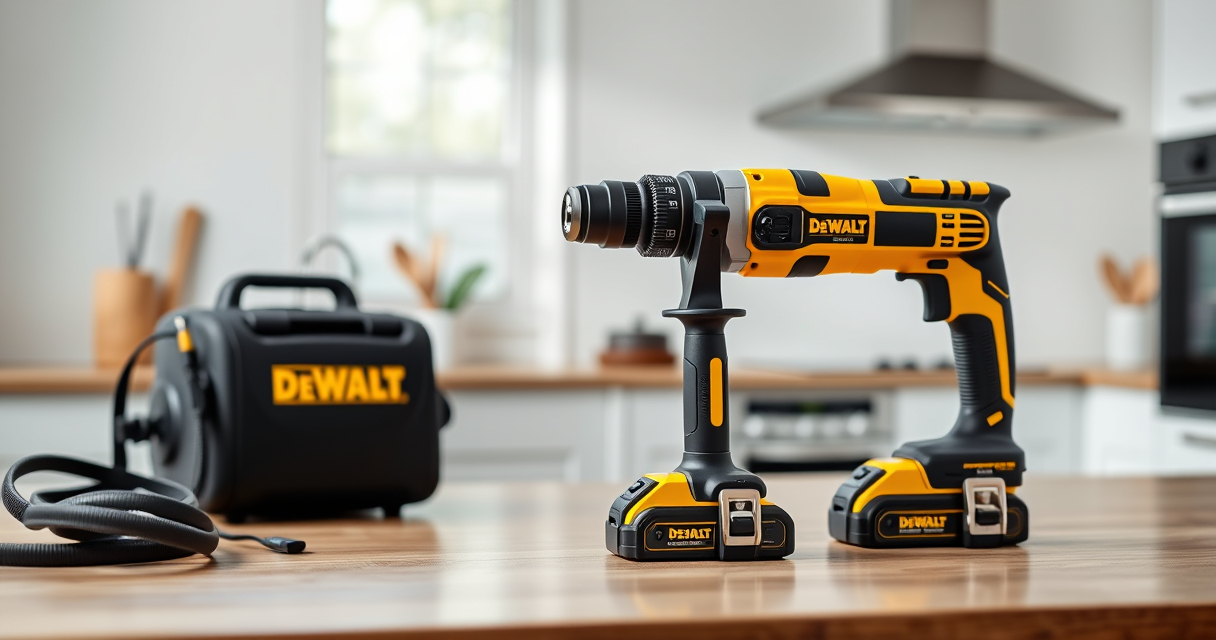
If your DEWALT 20V MAX Cordless Drill and Impact Driver is overheating, it can lead to reduced performance or damage. Understanding common causes and how to fix them is vital for safe and efficient use.

Get garage and car supplies delivered free — and shop member deals
- Fast, free delivery on millions of items
- Access to Prime Big Deal Days deals on October 6–7
- Prime Video, Amazon Music and more included
In this guide, you’ll find clear, step-by-step instructions to diagnose and resolve overheating issues, along with helpful tips and safety warnings to keep your tools in top shape.
Key Takeaways
| Overheating causes | High load, poor ventilation, or battery issues can cause overheating. |
| Identify symptoms | Unusual heat, automatic shutoff, or reduced performance indicate overheating. |
| Immediate actions | Allow cooling, check for blockages, and inspect batteries. |
| Preventative tips | Use in proper temperature conditions, keep vents clear, and avoid overloading. |
Identify Overheating Symptoms
- Feel the tool’s body for excessive heat after use.
- Notice if the tool shuts down unexpectedly.
- Observe reduced power or sluggish operation.
Step 1: Power Off and Cool Down
- Immediately turn off the drill and disconnect the batteries.
- Place the tool in a cool, dry area away from direct sunlight.
- Allow it to cool for at least 15-30 minutes before further inspection.
Step 2: Check for Blockages and Ventilation
- Inspect air vents for dust, debris, or blockages.
- Use compressed air to gently clear vents if clogged.
- Ensure vents are unobstructed during operation.
Step 3: Inspect the Batteries
- Remove batteries and check for swelling or damage.
- Test batteries with the LED indicator for proper charge levels.
- If batteries are hot or swollen, replace them immediately.
Step 4: Avoid Overloading and Use Proper Settings
- Use the correct speed and torque settings for your task.
- Avoid forcing the tool beyond its capacity.
- Use appropriate drill bits and accessories to reduce strain.
The Products in This Guide

DEWALT 20V MAX Cordless Drill and Impact Driver
- ✔ Color: Yellow/Black
- ✔ Warranty: 3 years
- ✔ Includes: 2 Batteries, Charger, Bag

DEWALT Drill Bit Set
- ✔ Size Range: Various
- ✔ Warranty: Limited
- ✔ Compatibility: For use with 1/2 inch drills
DEWALT 20V MAX Cordless Drill and Impact Driver
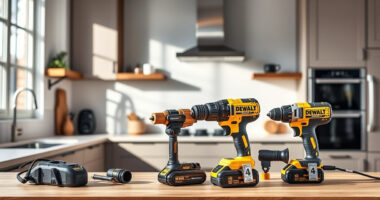
The DEWALT 20V MAX Cordless Drill and Impact Driver combo kit offers excellent power and control, with features like a brushless motor, LED work light, and quick-release hex chuck. Its compact design makes it suitable for tight spaces, and it’s built for durability.
Pros:
- Brushless motor for efficiency
- Lightweight and ergonomic
- Includes 2 batteries and charger
- Bright LED for visibility
Cons:
- Battery life may vary with heavy use
- Requires proper maintenance to avoid overheating
- Limited to 20V system
Best for: Home improvement, woodworking, and DIY projects
Not ideal for: Heavy-duty industrial tasks requiring higher torque
Bottom line: A versatile, durable cordless drill kit suitable for most DIY tasks.
DEWALT Drill Bit Set
The DEWALT Drill Bit Set complements your drill perfectly, featuring 14 high-speed steel bits with a split point design, ideal for various materials and reducing walking.
Pros:
- Durable high-speed steel
- Corrosion-resistant coating
- Easy size identification
- Includes a variety of sizes
Cons:
- Not suitable for heavy industrial use
- Limited to drilling applications
Best for: Home repairs, woodworking, metalworking
Not ideal for: Heavy-duty construction or professional industrial use
Bottom line: A reliable drill bit set that enhances your drilling tasks.
Frequently Asked Questions
What should I do if my DEWALT drill overheats?
Stop using the drill immediately, disconnect the batteries, and allow it to cool in a dry, ventilated area. Check for obstructions in vents and inspect the batteries for damage.
How can I prevent overheating during use?
Use the correct speed and torque settings, avoid overloading the tool, keep vents clear of debris, and take regular breaks to prevent heat buildup.
Is it safe to continue using the drill if it feels hot?
No, operating a hot drill can cause damage or injury. Always let it cool down before resuming work.
When should I replace the batteries?
Replace batteries if they show swelling, damage, or if the LED indicator shows a low charge after full charging. Hot or swollen batteries should be disposed of safely.
Keep Your DEWALT Power Tools Running Smoothly
Regular maintenance and proper usage are key to preventing overheating in your DEWALT tools. Always monitor your tool’s temperature, keep vents clean, and use batteries correctly. Following these steps ensures your tools stay safe, efficient, and long-lasting for all your projects.
Affiliate disclosure: As an Amazon Associate we earn from qualifying purchases. Prices and availability are accurate as of the time of publishing.
Evergreen bestsellers Picks
bestsellers
As an affiliate, we earn on qualifying purchases.