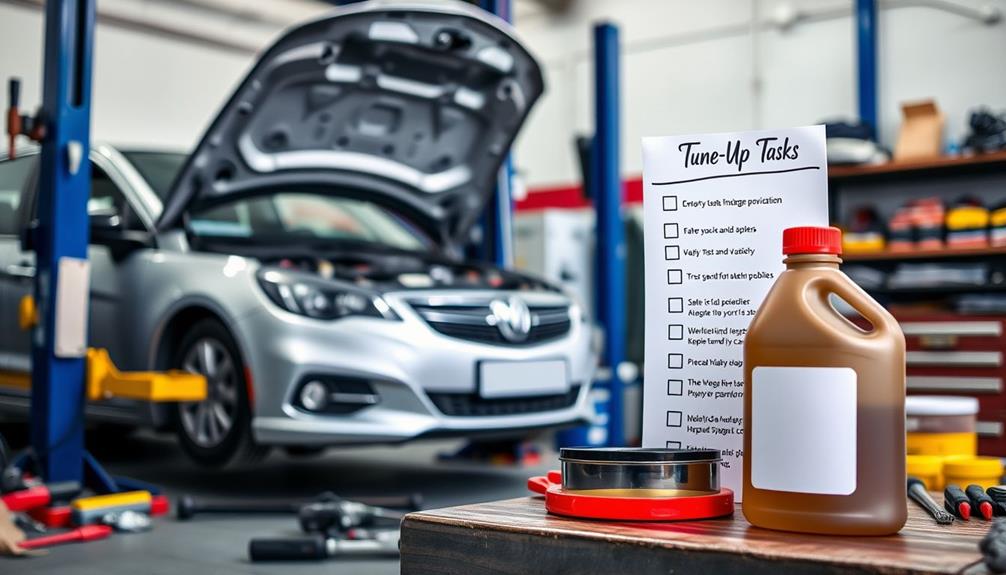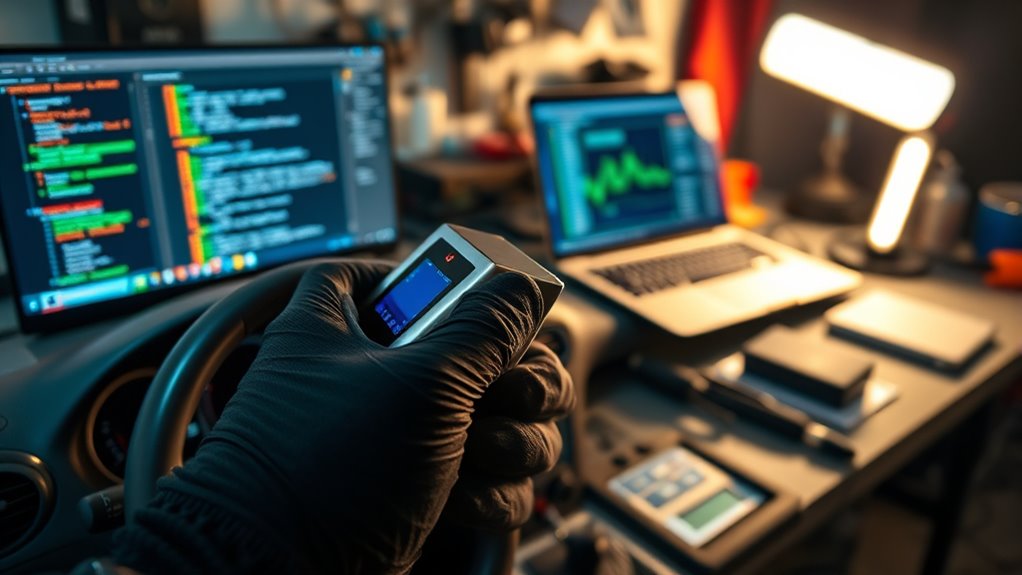

To perform a basic ECU flash at home, you’ll need a compatible OBD-II programmer and software designed for your vehicle. Start by backing up your original ECU data, then connect the device to the OBD-II port under your dashboard. Follow the software instructions carefully to load a custom tune or make desired adjustments, and begin the flashing process. Stay patient and avoid disconnecting during the process; if you keep going, you’ll find more tips to guarantee a smooth, safe upgrade.
Key Takeaways
- Use a compatible OBD-II programmer and reliable software to connect to your vehicle’s ECU securely.
- Backup the original ECU data before making any modifications to ensure a restore point.
- Follow safety precautions such as vehicle stability, battery disconnection if advised, and avoiding interruptions during flashing.
- Load the custom tune or firmware into the software, then initiate the flashing process carefully as per instructions.
- Verify proper operation after flashing with a test drive and check for warning lights or error codes.

Performing a basic ECU flash at home can be a cost-effective way to boost your vehicle’s performance or customize its settings. ECU tuning involves modifying the engine control unit’s software to optimize fuel delivery, ignition timing, or boost pressure. While it might seem intimidating, with the right tools and knowledge, you can safely perform an ECU flash yourself. The key is understanding safety precautions to avoid damaging your vehicle or voiding warranties.
Performing an ECU flash at home can boost performance safely with proper tools and precautions.
Before you start, make sure you have the proper equipment. You’ll need a reliable OBD-II programmer or flashing tool compatible with your vehicle’s ECU. Some popular options include handheld programmers or software that works with a laptop and an OBD-II cable. Research your vehicle’s make and model to find the correct software and verify it’s compatible. Always download the latest firmware or tune files from reputable sources to prevent corrupting your ECU. Additionally, understanding how to interpret contrast ratio and other technical specifications can help ensure your modifications are effective and safe.
Safety precautions are essential when performing ECU tuning at home. First, ensure your vehicle is on a stable, level surface with the parking brake engaged. Disconnect the negative terminal of the battery if recommended by your device’s instructions, especially if working with sensitive electronics. Make sure your vehicle’s engine is at operating temperature as specified in your tuning guide—some vehicles require the engine to be warm for a successful flash. Keep a fire extinguisher nearby in case of emergencies, and avoid interrupting the flashing process once it has started. An unexpected power loss or disconnection during the flash can corrupt your ECU, rendering it inoperable.
Next, back up your original ECU data. Many tuning tools allow you to save the current ECU map before making any changes. This backup acts as a safety net, letting you restore the stock settings if needed. Carefully follow the software instructions to connect your device to the vehicle’s OBD-II port, usually located under the dashboard. Once connected, initiate the read process to extract the current ECU data. After backing up, you can load your custom tune or modify parameters directly through the software. When ready, confirm your changes and begin the flashing process. Stay patient; don’t disconnect the device or turn off the ignition during this critical step.
After the flash completes, restart your vehicle and verify that it runs smoothly. Check for any warning lights or error codes using your scanner. If everything looks good, you’ve successfully completed a basic ECU flash at home. Remember, ECU tuning is an iterative process—start with conservative adjustments and test drive your vehicle before making further changes. Always prioritize safety and double-check your setup to prevent costly mistakes. With patience and care, you can enhance your vehicle’s performance without leaving your garage.
Frequently Asked Questions
Is It Legal to Flash My ECU at Home?
Flashing your ECU at home is generally legal, but you should consider legal considerations like local laws and regulations that might restrict modifications. Keep in mind, it could impact your vehicle’s warranty, as manufacturers often void warranty coverage if they detect unauthorized changes. Always research your specific area’s laws and your vehicle manufacturer’s policies to avoid potential legal issues or warranty implications before attempting an ECU flash yourself.
What Tools Are Essential for a Basic ECU Flash?
Think of your tools as a toolbox for a craftsman; without them, the project stalls. For a basic ECU flash, you need a reliable OBD-II interface, a compatible laptop or smartphone, and ECU tuning software. These essentials enable DIY diagnostics and allow you to access, modify, and upload the ECU firmware. Make certain your tools are compatible with your vehicle’s make and model for smooth, successful ECU tuning.
Can I Revert to the Original ECU Software?
Yes, you can revert to the original ECU software if you have a proper ECU backup. Always make certain your backup is recent and compatible with your vehicle’s ECU to avoid software compatibility issues. To revert, you simply re-flash the ECU with your saved backup file using your flashing tool. This process restores your original settings, giving you peace of mind if you want to undo any modifications or troubleshoot problems.
How Long Does the Flashing Process Typically Take?
Think of flashing your ECU like baking a cake—timing is everything. Usually, it takes about 20 to 45 minutes, but timing considerations like your vehicle’s make and software complexity can change this. During the process, troubleshooting tips include guaranteeing a stable power supply and avoiding interruptions. Rushing can cause issues, so stay patient and follow instructions carefully to ensure a successful flash without needing to revert later.
What Are the Risks of Flashing the ECU Myself?
Flashing your ECU yourself risks voiding your warranty and causing data corruption if not done correctly. You might accidentally erase critical data or install the wrong software, leading to engine issues or failure. Plus, if something goes wrong, you’ll likely need professional help to fix it, which can be costly. Be sure you’re confident and prepared before attempting a DIY ECU flash to avoid these risks.
Conclusion
Performing a basic ECU flash at home is achievable with the right tools and patience. While some might worry about risking their vehicle’s warranty, sticking to reputable guides and keeping backups makes certain you stay in control. Remember, a careful approach not only saves you money but also deepens your understanding of your car’s electronics. With diligence and respect for the process, you can confidently enhance your vehicle’s performance without needing professional help.