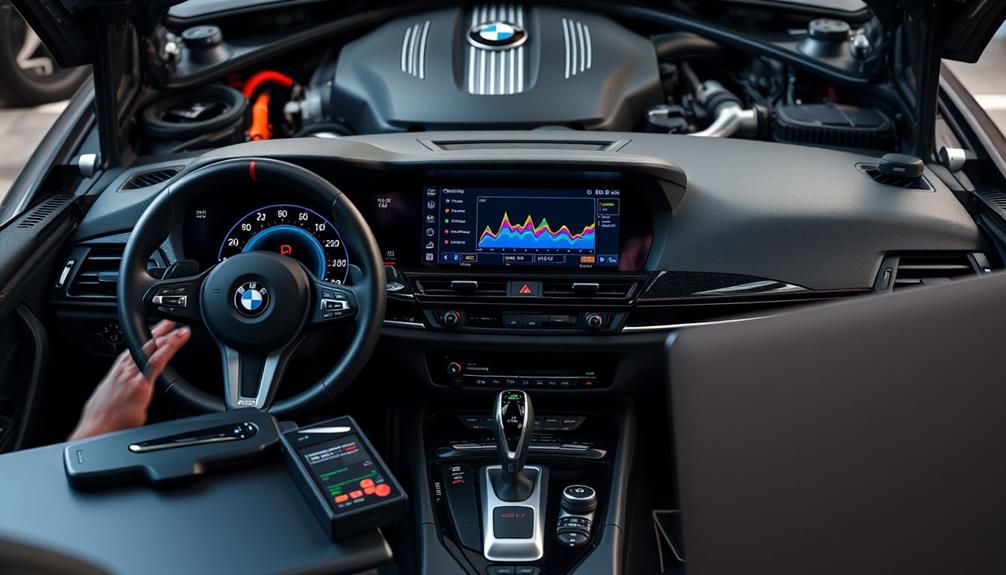

You can access hidden features on your G-Series BMW through simple coding tricks that your dealer often doesn’t mention. These tweaks allow you to customize ambient lighting, enable auto door locking, and activate display functions beyond factory settings. With the right tools and knowledge, you can enhance your driving experience with personalized touches. Keep exploring, as there’s a lot more you can do to get the most out of your BMW.
Open a free Amazon Business account
Business pricing, bulk buying and tax-exempt orders.
As an affiliate, we earn on qualifying purchases.
Key Takeaways
- Many hidden features can be unlocked through coding, which dealerships typically do not disclose.
- Software updates enable advanced display options and comfort tweaks not available by default.
- Custom coding allows personalized settings like ambient lighting and turn signal behavior beyond factory limits.
- Proper tools and research ensure safe, reversible modifications without risking vehicle errors.
- Coding tricks can significantly enhance your G-Series BMW’s functionality beyond what the dealer offers.

Have you ever wondered how to customize your G-Series BMW beyond factory settings? If so, you’re not alone. Many enthusiasts are eager to access hidden features and tailor their driving experience, but they often don’t realize that BMW software updates and customization options can be used to achieve this. While your dealer may focus on routine maintenance and official updates, there’s a lot more you can do with some simple coding tricks.
BMW software updates aren’t just about fixing bugs or improving performance; they can also unlock new features or enhance existing ones. By ensuring your car runs the latest firmware, you open the door to various customization options that aren’t immediately available through default settings. For example, updates can enable advanced display functions, tweak comfort settings, or improve driving dynamics. Many of these features are built into the car but are locked behind software flags that can be activated with the right coding tools. Staying current with updates allows you to access these hidden capabilities and keep your vehicle modern and responsive.
Updating your BMW firmware unlocks hidden features and enhances performance with simple coding tricks.
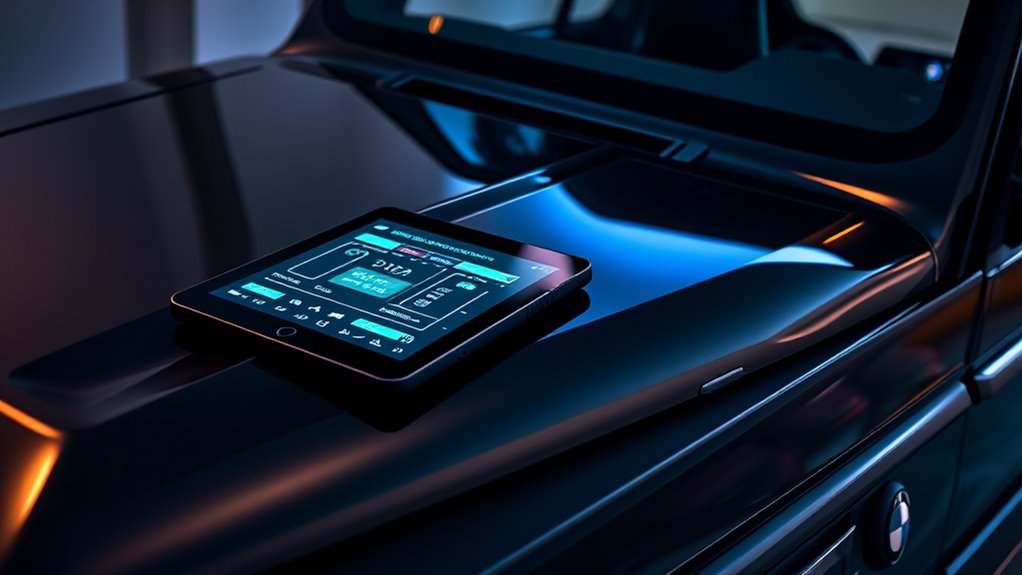
When it comes to customization options, the possibilities are extensive. You can change ambient lighting colors, adjust the behavior of turn signals, or enable features like auto-locking doors or remote window closing. These tweaks usually aren’t part of the standard configuration and are often overlooked by dealerships. Using coding software, you can modify parameters directly in the car’s electronic control units (ECUs), tailoring the vehicle to your preferences. For instance, you might code in a welcome light sequence or disable certain notifications that bother you. The beauty of these customizations is that they are reversible—you can always revert to the factory settings if needed. Additionally, understanding the importance of software updates can help you maintain a modern and feature-rich vehicle over time.
However, it’s important to approach these modifications with care. Not all coding is straightforward, and incorrect changes can lead to errors or issues with your vehicle’s systems. That’s why it’s best to do thorough research beforehand and use reliable tools designed specifically for BMW coding. Many online communities and forums share detailed guides, making it easier to follow step-by-step instructions safely. Remember, while these tricks aren’t typically covered during your dealership visits, they can greatly elevate your driving experience and make your G-Series BMW truly your own.
As an affiliate, we earn on qualifying purchases.
Frequently Asked Questions
Can I Safely Update Coding Settings Without Voiding My Warranty?
You might wonder if updating your coding settings is safe without voiding your warranty. Dealer tips suggest that minor or reversible changes usually won’t affect your warranty, but it’s essential to verify specific warranty considerations. Always consult with your dealer beforehand, especially for significant modifications. Following their advice ensures you stay within warranty limits while enjoying personalized features, giving you peace of mind with your G-Series BMW.
Are There Risks of Bricking My BMW During Coding?
When you’re coding your BMW, there’s a small chance of bricking your car, especially if you don’t follow proper procedures. Software risks include potential errors that could make your vehicle inoperable, but if you proceed carefully, these risks are minimal. Keep in mind, improper coding might affect warranty implications, so always back up your settings and use trusted tools. Being cautious helps protect your car and your warranty.
Is Professional Coding Required for Advanced Features?
You might think you need professional coding for advanced features, but that’s a common misconception. Many dealer secrets suggest you can access these features yourself with the right tools and knowledge. However, coding without proper expertise risks bricking your BMW. While some advanced features are accessible through DIY coding, it’s safer to consult a professional to avoid potential issues and guarantee your car benefits from these enhancements correctly.
How Do Coding Tricks Affect Vehicle Resale Value?
Coding tricks can influence your vehicle’s resale impact, but it’s important to consider coding ethics. If you modify features improperly or without transparency, it may lower your car’s value or cause issues during resale. Potential buyers might worry about hidden changes or future compatibility. To protect your investment, stick to ethical coding practices, document your modifications, and ensure they align with manufacturer standards, preserving your car’s resale appeal.
Can Coding Modifications Be Reversed Easily?
You can usually reverse coding modifications easily by performing a factory reset, which restores your vehicle’s original settings. It’s important to keep coding backups beforehand, so you can quickly reapply or undo changes if needed. Using dedicated software, you can revert to the stock configuration without much hassle. Just guarantee you have your backups saved securely, making the process straightforward and protecting your vehicle’s warranty and resale value.
Conclusion
Now, imagine cruising down an open road, your G-Series BMW responding effortlessly to your every command, hidden features revealing like secret doors to enhanced comfort and convenience. With these coding tricks, you’re not just driving—you’re customizing an experience uniquely yours. As the city lights blur past, you realize the power was always in your hands, waiting to be unlocked. So go ahead, explore these secrets and turn your BMW into a true reflection of your style.
Flea & tick season Picks
flea and tick prevention
As an affiliate, we earn on qualifying purchases.