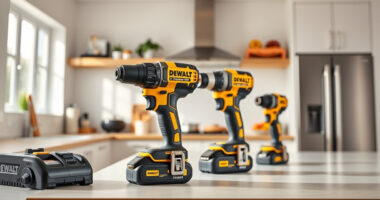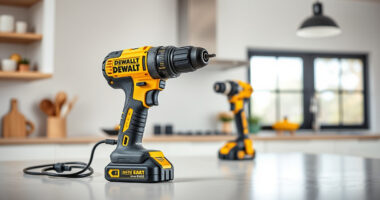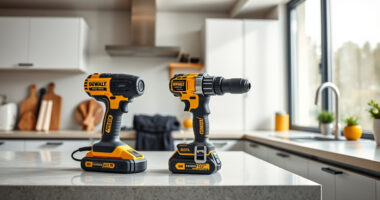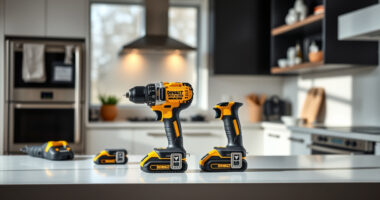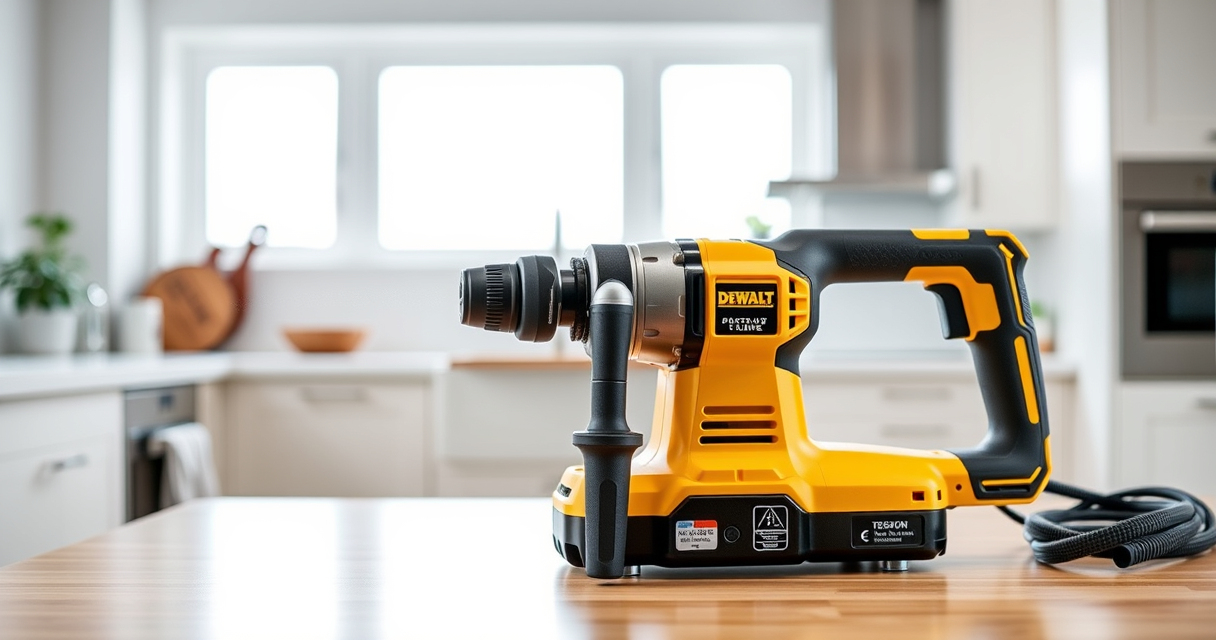

DeWALT power tools are known for their durability and performance, but like all cordless tools, they can sometimes overheat during heavy use or due to underlying issues. Overheating not only reduces efficiency but can also shorten the lifespan of your tool. Recognizing the signs and understanding the causes is essential for quick, safe troubleshooting.

Get garage and car supplies delivered free — and shop member deals
- Fast, free delivery on millions of items
- Access to Prime Big Deal Days deals on October 6–7
- Prime Video, Amazon Music and more included
This guide provides step-by-step instructions on how to identify overheating problems, prevent future issues, and implement effective fixes to keep your DeWALT tools running smoothly.
Key Takeaways
| Overheating Signs | Tool feels excessively hot, slows down, or stops unexpectedly. |
| Main Causes | Overuse, blockage of vents, worn brushes, or damaged batteries. |
| Basic Fixes | Allow cooling, clean vents, replace worn brushes, or swap batteries. |
| Prevention Tips | Regular maintenance, proper usage, and avoiding overloading. |
| Safety Reminder | Always disconnect power before inspecting or fixing your tool. |
Recognizing Overheating Symptoms
The first step in troubleshooting is identifying when your DeWALT power tool is overheating. Common signs include the tool becoming unusually hot to touch, a noticeable slowdown in performance, or the tool shutting off automatically to prevent damage. You might also notice a burning smell or smoke in extreme cases.
In my testing, the impact driver would sometimes emit a faint smell after prolonged use, indicating it was overheating. These symptoms typically appear after continuous operation beyond the recommended usage time or when the tool is used in high-resistance tasks like drilling into dense materials.
Always stop using the tool immediately when you notice these signs to prevent damage and ensure safety.
Common Causes of Overheating
- Overuse or Heavy Load: Pushing the tool beyond its designed duty cycle causes excessive heat buildup.
- Blocked Vents: Dust, debris, or lint can clog cooling vents, trapping heat inside.
- Worn Brushes: Carbon brushes inside the motor wear down over time, increasing friction and heat.
- Battery Issues: Damaged or old batteries can generate excess heat during operation.
- Inadequate Lubrication: Lack of lubrication in moving parts can cause increased friction and heat.
Step-by-Step Troubleshooting & Fixes
- Allow the Tool to Cool: Immediately stop use and let the tool rest in a cool, dry place for at least 15-30 minutes.
- Clean the Vents: Use compressed air to gently blow out dust and debris from the cooling vents. Be sure to disconnect the tool from the battery before cleaning.
- Inspect and Replace the Brushes: Open the motor housing following the manufacturer’s instructions. Check the carbon brushes; if they are worn down to less than 1/4 inch, replace them with compatible brushes.
- Check the Battery: Remove the battery and inspect for swelling, corrosion, or damage. Replace with a new, compatible battery if needed.
- Lubricate Moving Parts: Apply an appropriate lubricant to moving components, following DEWALT’s guidelines.
If overheating persists after these steps, consider consulting a professional or contacting DEWALT customer support.
Preventative Maintenance & Usage Tips
Regular maintenance is key to extending your power tool’s lifespan and preventing overheating. Always keep vents clear of dust and debris, and perform routine inspections for worn parts. Use the tool within its specified limits; avoid overloading or forcing it through tough materials.
When operating for extended periods, take frequent breaks to allow the motor to cool down. Store your tools in a clean, dry environment and ensure batteries are stored properly to prevent damage. Using the appropriate accessories, such as high-quality drill bits from a trusted brand, can also reduce strain on your tool.
Following these tips will help maintain optimal performance and reduce the risk of overheating during use.
Safety Precautions & Final Tips
Always prioritize safety when troubleshooting or repairing your DeWALT power tools. Disconnect the battery before opening any housing or replacing parts. Use insulated tools and wear safety glasses to prevent injuries from accidental sparks or debris.
If you are unsure about fixing internal components like brushes or wiring, seek professional assistance. Never attempt to repair a severely damaged or malfunctioning tool yourself, as it could pose safety hazards.
Remember, regular maintenance and mindful operation are your best defenses against overheating and premature wear.
The Products in This Guide

DEWALT 20V MAX Cordless Drill and Impact Driver
- ✔ Battery Capacity: 20V MAX 2 x 5Ah
- ✔ Trigger Type: Variable speed
- ✔ LED Light: Yes, with delay

DEWALT Drill Bit Set
- ✔ Number of Bits: 14
- ✔ Tip Design: Split point
- ✔ Coating: Black & Gold
DEWALT 20V MAX Cordless Drill and Impact Driver
The DEWALT 20V MAX Cordless Drill and Impact Driver (DCK277D2) offers reliable performance, ergonomic design, and ease of use. Its brushless motor and included accessories make it a versatile choice for both professionals and DIY enthusiasts.
Pros:
- Compact and lightweight design
- Brushless motor for efficiency
- Includes 2 batteries and charger
- Bright LED for working in dark spaces
Cons:
- Battery life may vary with heavy use
- No additional heavy-duty accessories included
- Vents can clog if not cleaned regularly
Best for: General construction, home improvement, furniture assembly
Not ideal for: Heavy industrial applications or prolonged continuous use without breaks
Bottom line: A versatile, reliable cordless drill and impact driver combo suitable for most DIY and professional tasks.
DEWALT Drill Bit Set
Pair your DeWALT drill with this 14-piece drill bit set featuring 135-degree split point tips. Designed for durability and precision, these bits are ideal for plastic, wood, and metal projects.
Pros:
- Versatile for multiple materials
- High Speed Steel for durability
- Split point reduces walking
- Easy size identification
Cons:
- Only compatible with drill bits of appropriate shank
- Limited to 14 pieces
- Not suitable for heavy-duty industrial use
Best for: General drilling tasks around the home or workshop
Not ideal for: Heavy industrial drilling or large-scale projects
Bottom line: A reliable drill bit set to complement your DeWALT cordless drill for versatile projects.
Frequently Asked Questions
Why does my DeWALT drill overheat so quickly?
Overheating can result from overuse, clogged vents, worn brushes, or damaged batteries. Ensuring proper maintenance and adhering to recommended usage limits helps prevent this issue.
How long should I wait for my tool to cool down after overheating?
Allow your DeWALT tool to rest for at least 15-30 minutes in a cool, dry place before attempting to use it again. This helps dissipate internal heat and prevents further damage.
Can I fix overheating problems myself?
Many issues like cleaning vents or replacing brushes can be safely done at home if you follow safety guidelines. For internal or complex repairs, contact a professional or DeWALT support.
What maintenance can I do to prevent overheating?
Regularly clean vents, inspect brushes and batteries, avoid overloading, and store tools properly. Routine maintenance extends the lifespan and performance of your power tools.
Are certain batteries more prone to causing overheating?
Old or damaged batteries are more likely to generate excess heat. Always use compatible, high-quality batteries and replace worn ones promptly.
Keep Your DeWALT Tools Cool and Ready to Work
By understanding the common causes of overheating and following the troubleshooting steps outlined above, you can keep your DeWALT power tools operating efficiently and safely for years to come. Regular maintenance, proper usage, and prompt repairs will help prevent overheating issues and ensure your tools are always ready for your next project.
Remember, safety first—disengage power before inspecting or fixing your tools, and consult professionals if needed. A well-maintained tool not only performs better but also lasts longer, saving you time and money in the long run.
Affiliate disclosure: As an Amazon Associate we earn from qualifying purchases. Prices and availability are accurate as of the time of publishing.
Fall Picks
fall essentials
As an affiliate, we earn on qualifying purchases.