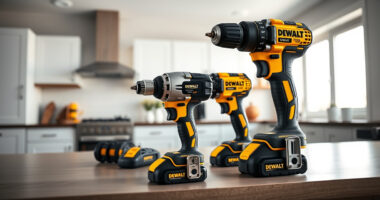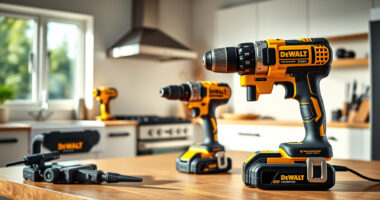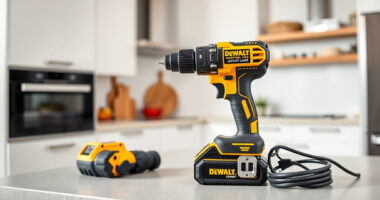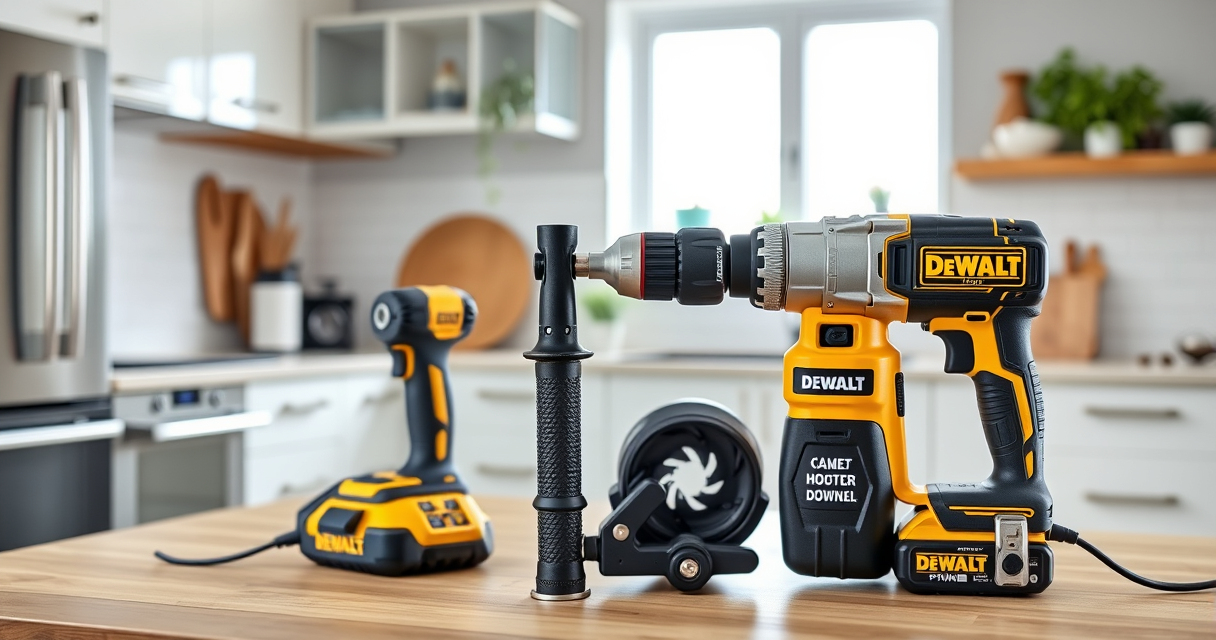
Maintaining your DEWALT XR Impact Driver is essential for ensuring optimal performance and longevity. Regular cleaning removes dust, debris, and buildup that can impair operation. This guide provides clear, practical steps to clean your impact driver safely and effectively.

Get business pricing on garage and car supplies
- Business-only prices and quantity discounts
- Tax-exempt purchasing
- Multiple users, one account, clear invoices
Before starting, gather the necessary tools and follow safety precautions to protect yourself and your equipment.
Key Takeaways
| Safety First | Always disconnect the impact driver from the battery before cleaning. |
| Use Proper Tools | Use a soft brush and compressed air to remove dust and debris. |
| Avoid Liquids | Never submerge the impact driver in water or use harsh chemicals. |
| Regular Maintenance | Clean your impact driver periodically to prevent buildup and ensure smooth operation. |
Preparation Before Cleaning
- Ensure the impact driver is turned off and remove the battery to prevent accidental activation.
- Gather a soft brush, compressed air can, microfiber cloth, and mild cleaning solution if needed.
Cleaning the Exterior
- Use a microfiber cloth to wipe down the outer casing, removing dust and dirt.
- For stubborn dirt, lightly dampen the cloth with water or a mild cleaning solution — avoid excess moisture.
Removing Dust and Debris from Vents and Chuck
- Use compressed air to blow out dust from vents, motor housing, and around the chuck area. Hold the can upright and use short bursts.
- Use a soft brush to dislodge debris from hard-to-reach areas and around the quick-release hex chuck.
Cleaning the Internal Components
Internal cleaning should be done cautiously. If you’re comfortable, open the housing following the manufacturer’s instructions. Use compressed air to remove dust from internal parts. If unsure, consult a professional or authorized service center.
Final Checks and Reassembly
- Inspect the impact driver for any damage or worn parts.
- Reassemble the housing securely, insert the battery, and test the device to ensure proper operation.
The Products in This Guide

DEWALT 20V MAX Cordless Drill and Impact Driver
- ✔ Battery Included: Yes
- ✔ Warranty: 3 years
- ✔ Size: 7.6 inches

DEWALT Drill Bit Set
- ✔ Compatibility: Fits standard chucks
- ✔ Ease of Use: Color-coded sizes
- ✔ Durability: High-speed steel construction
DEWALT 20V MAX Cordless Drill and Impact Driver
The DEWALT 20V MAX Cordless Drill and Impact Driver offers reliable power, compact design, and easy maintenance. Regular cleaning keeps it performing at its best, ensuring long service life.
Pros:
- Lightweight and compact
- Ergonomic grip
- Bright LED for visibility
- Quick bit change chuck
Cons:
- Requires careful cleaning of internal parts
- Avoid moisture and harsh chemicals
Best for: Home improvement, woodworking, and metalworking projects
Not ideal for: Heavy-duty industrial use without professional servicing
Bottom line: Regular cleaning ensures your impact driver remains reliable and efficient.
DEWALT Drill Bit Set
Pair your impact driver with this durable DEWALT drill bit set, featuring 14 high-speed steel bits with split points for precise drilling into various materials.
Pros:
- Durable high-speed steel
- Split point design reduces walking
- Easy size identification
- Corrosion-resistant coating
Cons:
- Not suitable for heavy industrial drilling
- Limited to specific materials
Best for: Drilling into plastic, wood, and metal with your impact driver
Not ideal for: Heavy-duty industrial drilling
Bottom line: A versatile drill bit set enhances your impact driver’s capabilities.
Frequently Asked Questions
Can I submerge my impact driver in water for cleaning?
No, never submerge your impact driver in water. Use a damp cloth and compressed air for cleaning, avoiding excess moisture.
How often should I clean my impact driver?
Clean your impact driver regularly, especially after heavy use or working in dusty environments, to maintain performance.
Is it safe to open the impact driver housing for internal cleaning?
Only attempt internal cleaning if you are experienced and have the proper tools. Otherwise, seek professional service to avoid damage.
What should I do if my impact driver isn’t functioning properly after cleaning?
Check for loose parts, clean the vents and contacts, and ensure the battery is charged. If problems persist, consult a professional technician.
Keep Your Impact Driver in Peak Condition
Regular cleaning and maintenance of your DEWALT XR Impact Driver can significantly extend its lifespan and ensure reliable performance. Follow these steps carefully, and always prioritize safety to keep your tools working smoothly for years to come.
Affiliate disclosure: As an Amazon Associate we earn from qualifying purchases. Prices and availability are accurate as of the time of publishing.
Halloween Picks
halloween
As an affiliate, we earn on qualifying purchases.